Capture More. See More. Understand More.

S2M Camera
Seamlessly add wireless multi-camera video to enrich your performance analysis.
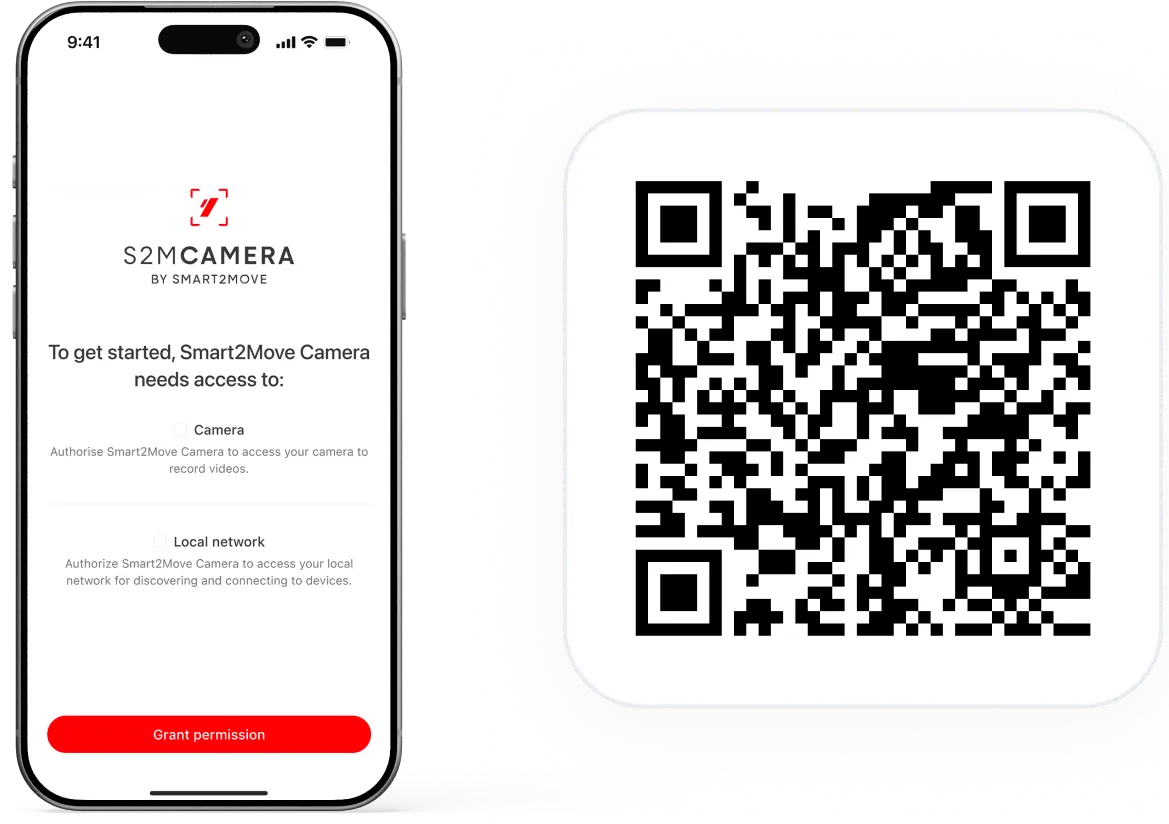
Download app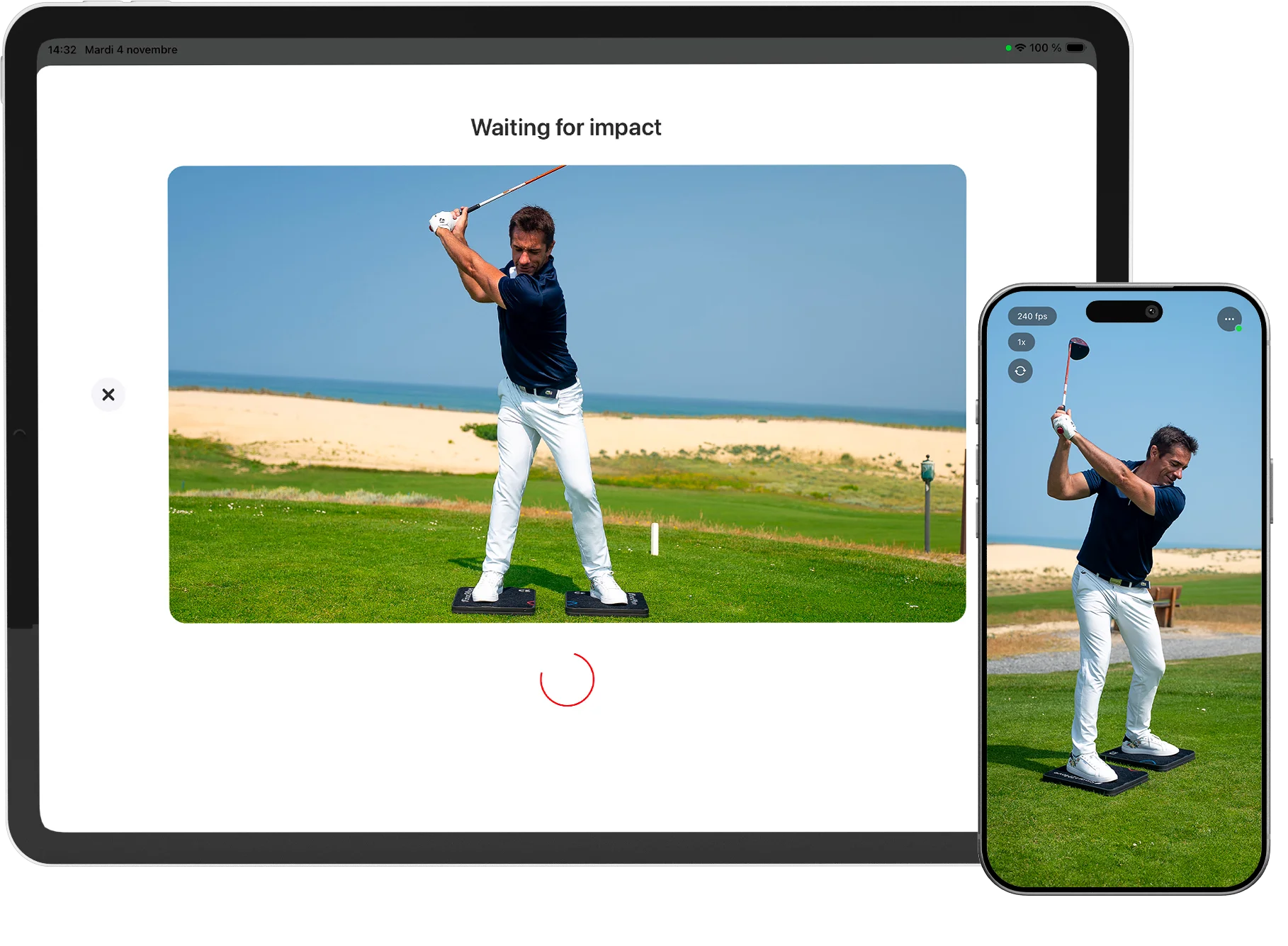
See More. Understand More.
Video has long been fundamental to swing analysis.
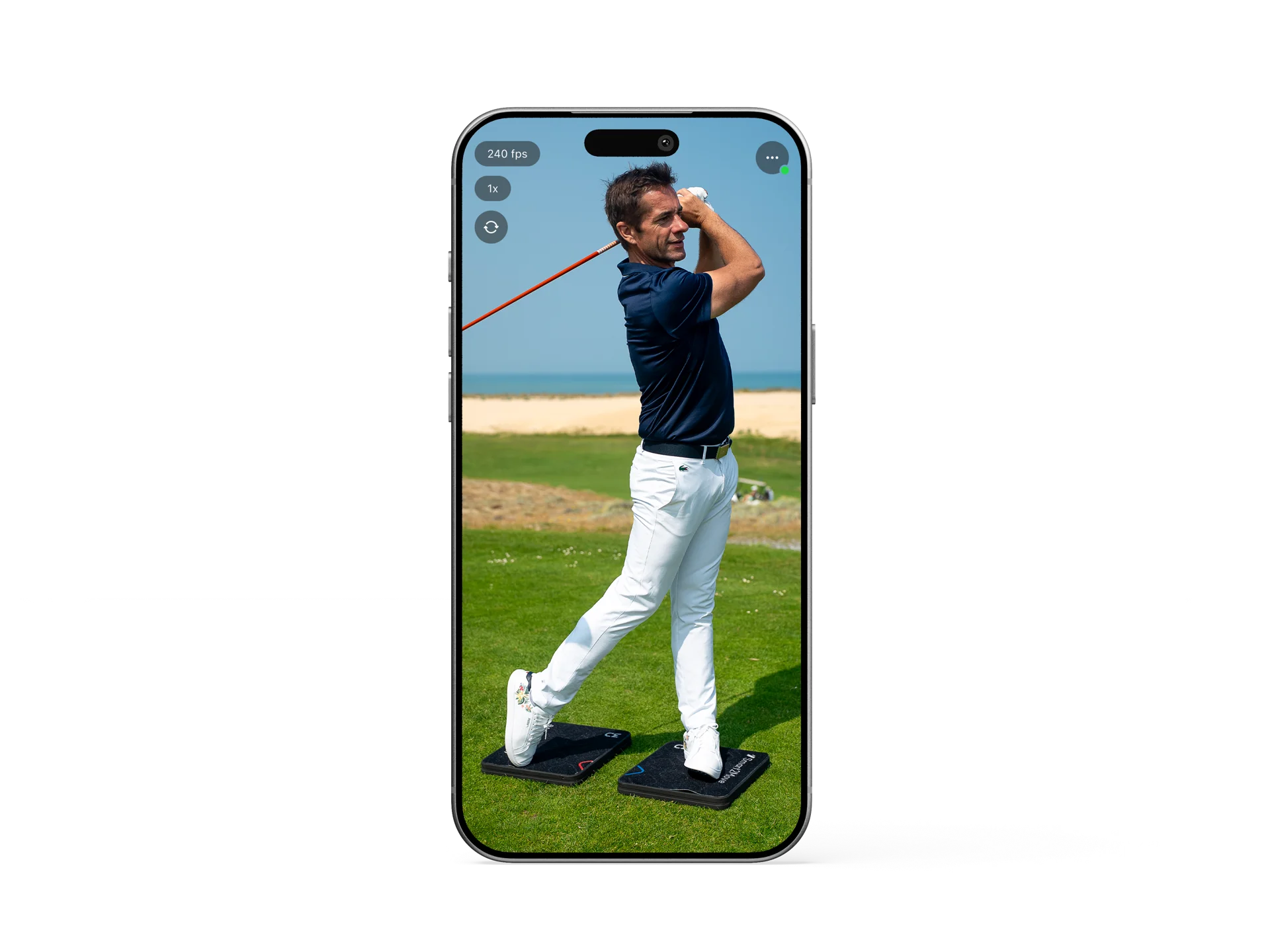
The Camera App allows you to seamlessly add an additional iPhone or iPad as a synchronized wireless camera, expanding your Smart2Move analysis with enriched multi-angle insight.
S2M Dual-Camera Synchronization
Proprietary synchronization technology engineered to guarantee precise alignment between multiple camera angles.
Enjoy perfectly synchronized video streams, even at 240 fps, for consistent and reliable analysis.
Two cameras. Two perspectives. Perfectly aligned.
Live Preview
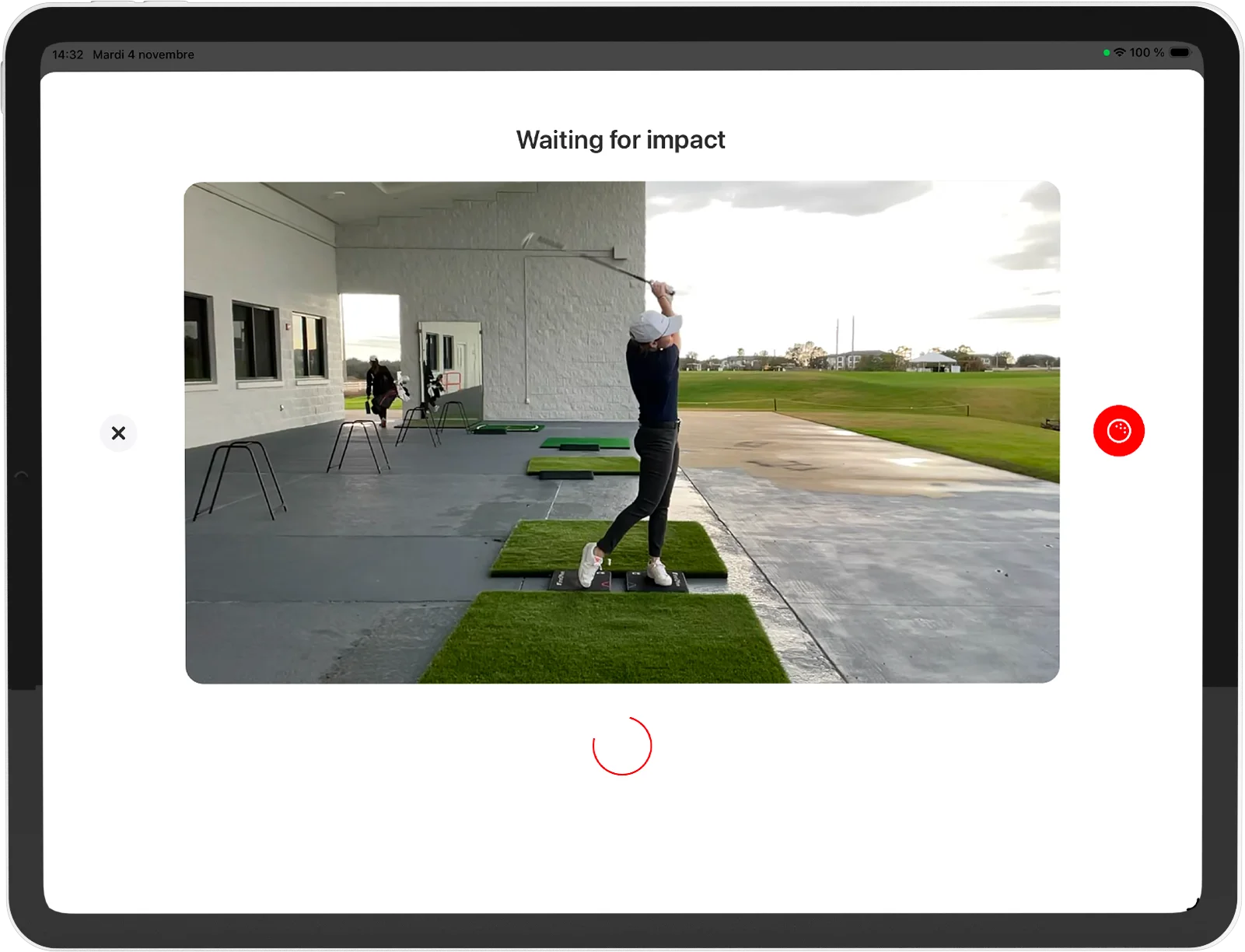
Access the live video stream from your additional camera directly in the S2M App to control framing, alignment, and capture setup with precision.
One Setup. Full Control.
Place your device and focus on coaching.
The S2M App handles recording, synchronization, and instant clip transfer — automatically.
Wireless & Universal — Designed for Simplicity
Fully integrated into the Smart2Move ecosystem, connect a second iOS device* wirelessly in seconds.
• Place your device at the angle that fits your setup
• Connect instantly to the S2M App
• Capture seamlessly with automatic camera integration
*iPhone and iPad
How to use it?
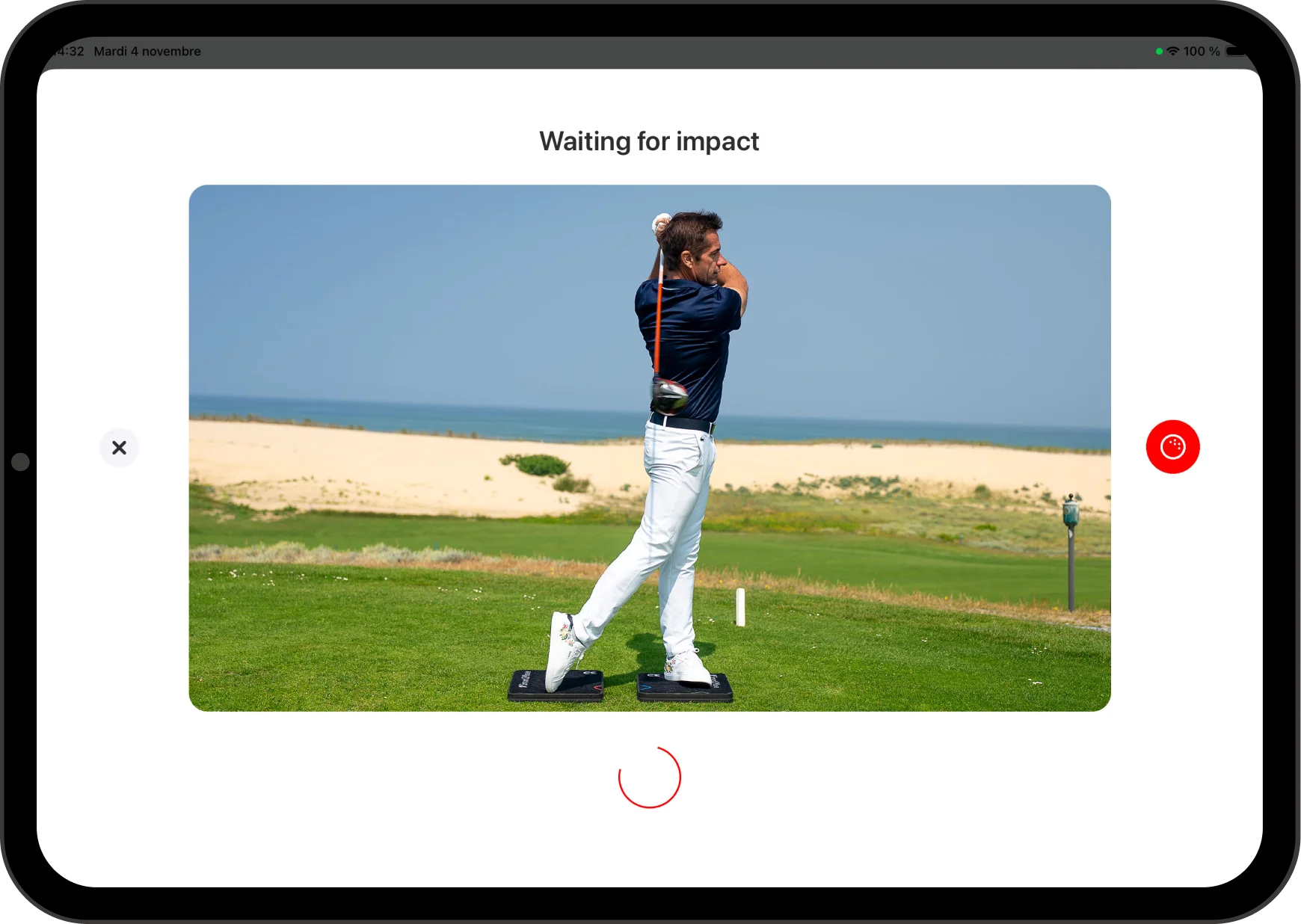
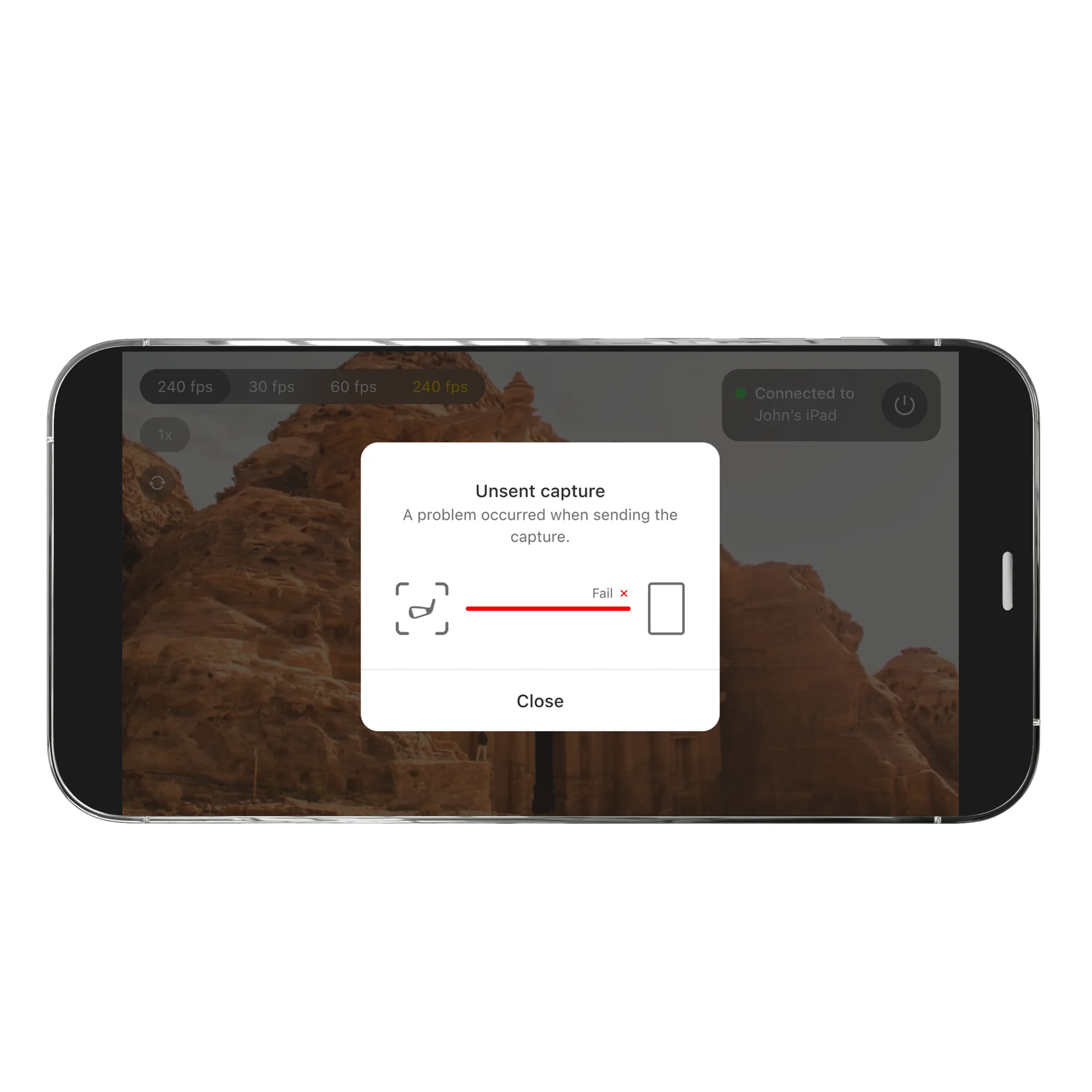
Pair the S2M App with the Camera App
1. Open the Camera App on your secondary device
2. In Live Mode, select and add the additional camera.
3. The system connects automatically. Ready to analyze from every angle
You're ready!